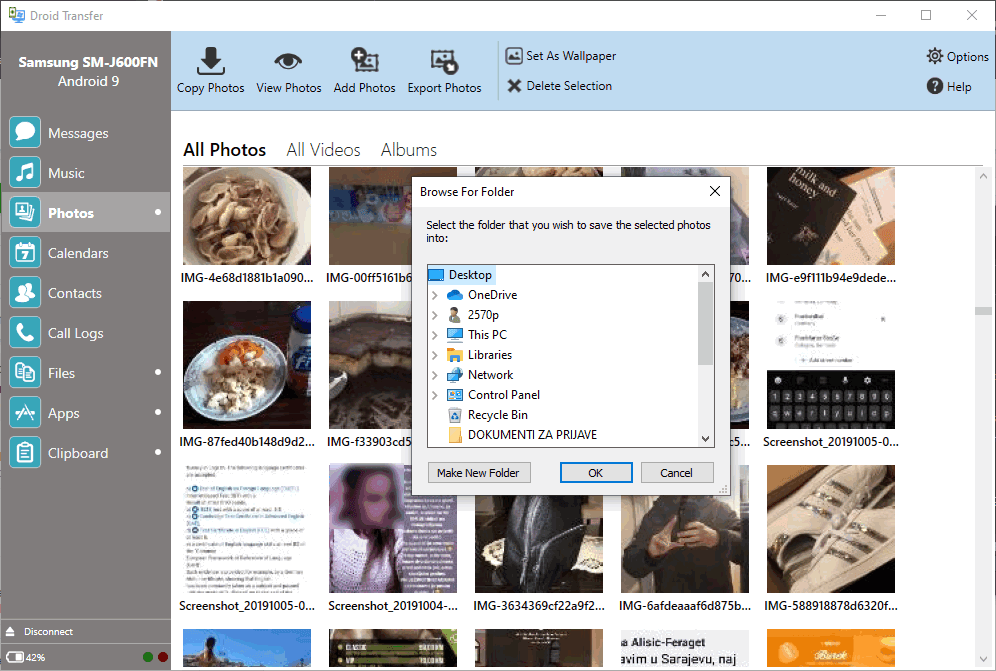
When you connect your Android phone to your computer for the first time, it typically loads as a standard storage device once the required drivers are installed. From there, you can use Windows Explorer just like you would with any external drive to move, copy, and delete files. However, if you are looking for more comprehensive management options, this app is definitely worth checking out.
Flexible connections and licensing
Droid Transfer is a Windows app that allows you to connect your PC and your Android device using a USB connection or via Wi-Fi. The installation is quite simple, and you are entitled to a free trial to test out the features. If you decide to upgrade, you can purchase a lifetime license or opt for a time-based subscription, keeping in mind that the final cost depends on the tier chosen or active promotions.Pairing your device
To connect with your Android device over Wi-Fi, you must also install the Transfer Companion app on your phone, connect to the same network, and scan a QR code. You can continue using your phone normally while managing its content through Droid Transfer. Keep in mind that you'll need to grant some permissions to allow access to files, photos, music, contacts, calendars, messages, or call logs, depending on exactly what you want to sync or back up.Managing messages and files
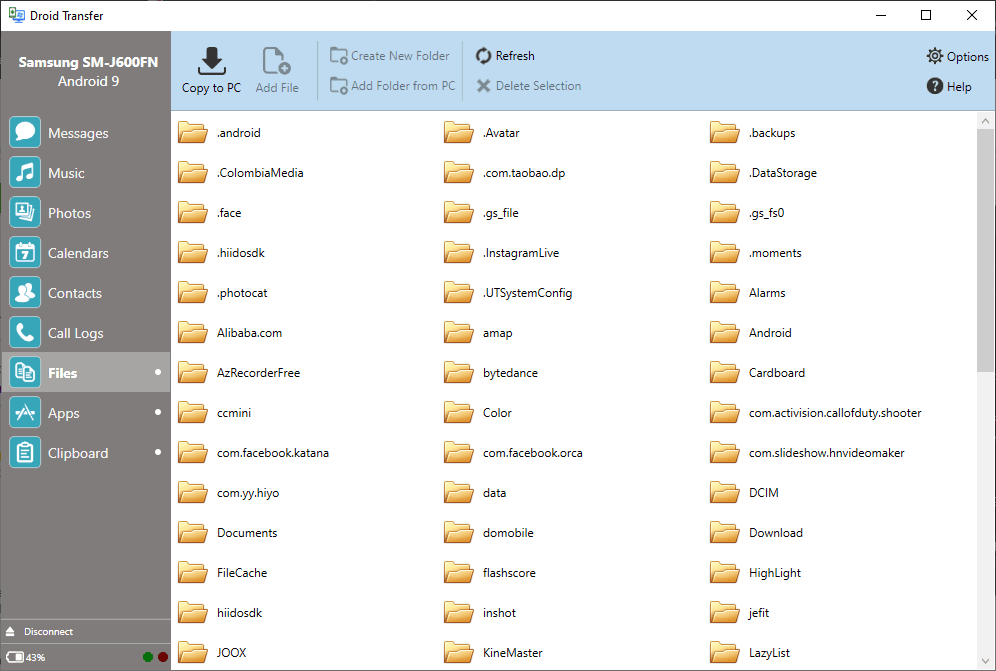
Droid Transfer provides an impressive array of useful features. For a start, you can use it to back up your contact list, SMS messages, and call logs. You can even save messages as a PDF or print them directly from within the app. Of course, there is a file manager where you can add or delete files. While you used to have to rely entirely on the Add File button to select files through Windows Explorer, the app now fully supports dragging and dropping files directly between your PC and your phone. Unfortunately, you still can't rename files or move them around locally on the device itself.Media syncing and clipboard sharing
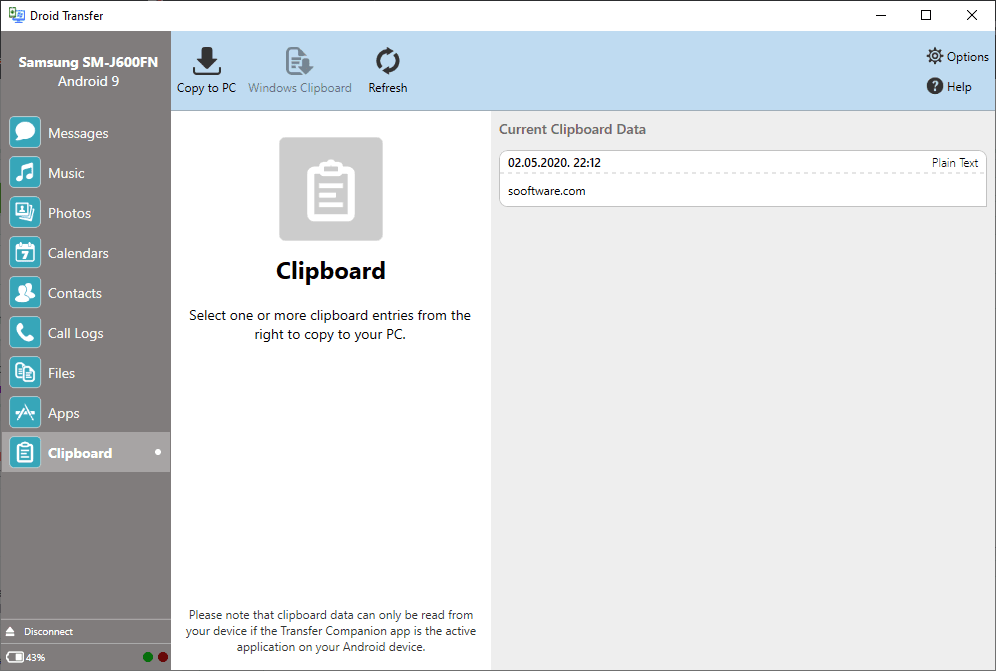
What we really love about Droid Transfer is how cleanly it displays music and photos from your device. You can easily export your photo, video, and music libraries to your PC, or even sync your music with a specific folder on your computer. Another excellent feature is clipboard synchronization: you can copy text on your phone and instantly paste it from your Windows clipboard.A reliable bridge between phone and PC
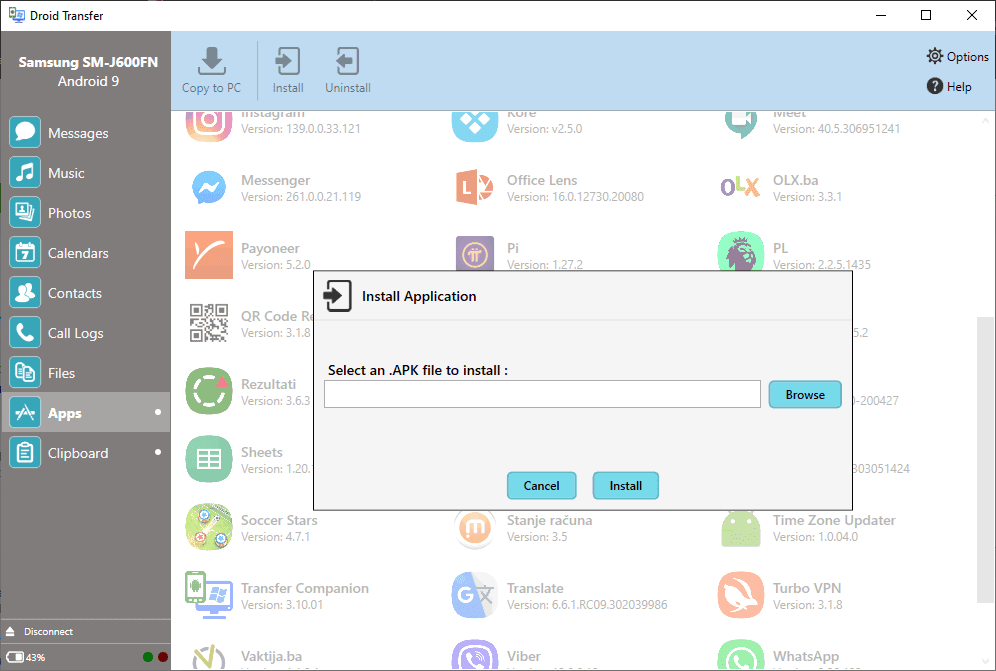
An app manager is also included, allowing you to manage installed applications or sideload new ones from APK files stored on your computer. Overall, it works exceptionally well for keeping your phone and PC connected, whether via cable or wirelessly. It handles nearly everything perfectly, with the only slight drawback being raw file management when it comes to moving, copying, or renaming files that are already sitting on the device.